
A PDF behind a QR
Menus, class notes and event schedules. Upload once and replace the file from its existing editable QR.
Make a PDF QR → QR Anything by Avex
 · Android
Create Wi-Fi and contact QR codes. Scan with your camera or gallery. Update hosted PDFs without reprinting. QR Anything is an Android app by Avex.
Browsing on a computer?
Scan with your Android phone to open Google Play. Install there, then launch the app.
Make everyday QR codes, read a code from a saved image, or replace a PDF behind the same editable QR. Online editing needs a verified account and internet.
Explore what you can create ↗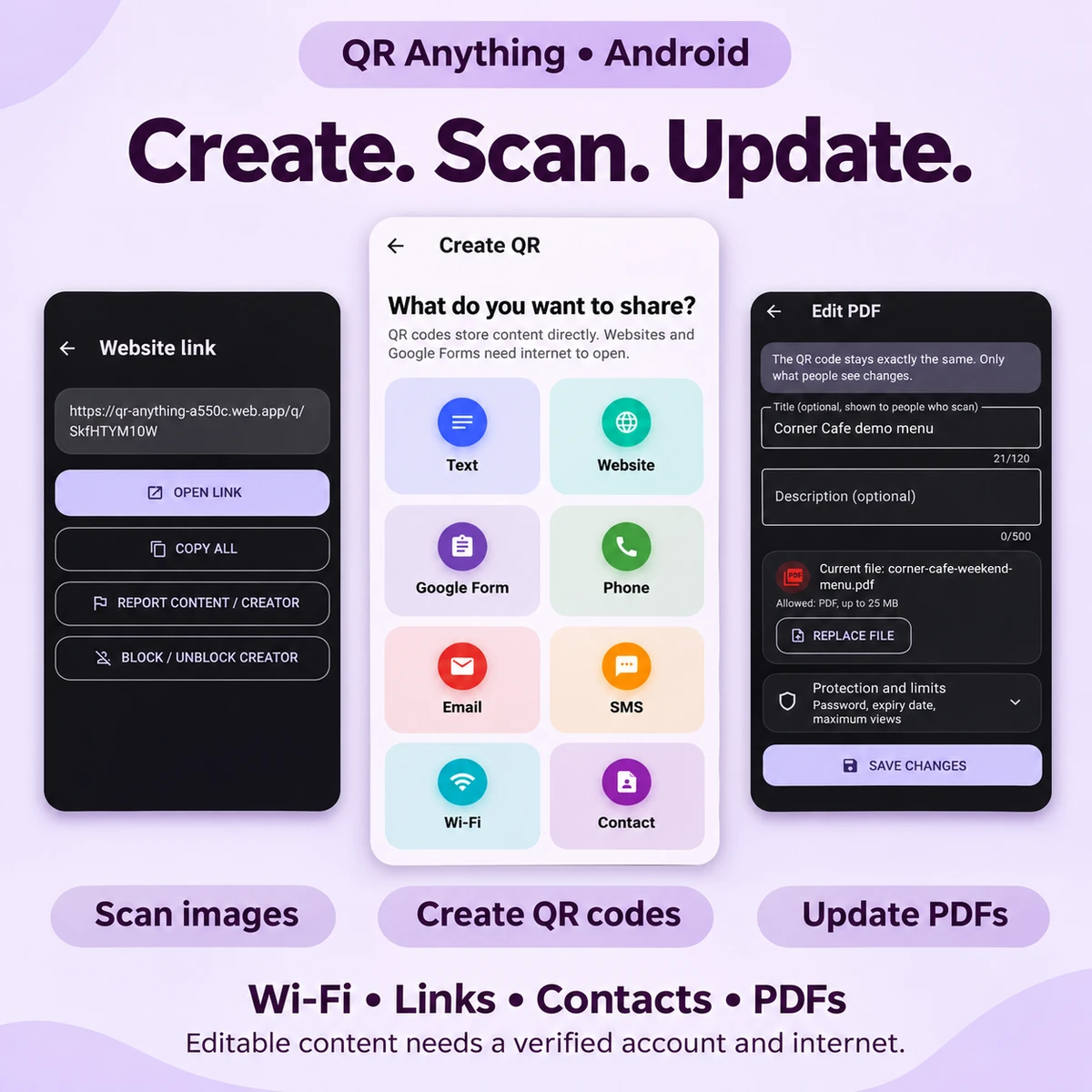
Menus, class notes and event schedules. Upload once and replace the file from its existing editable QR.
Make a PDF QR →Give a product, lesson or printed card a video companion using the app’s hosted MP4 workflow.
Explore video QR →Encode a guest network or your contact details directly in a static code. Start in your browser or on Android.
Try Wi-Fi & vCard →Free browser tool
Create a static URL or Wi-Fi code locally, then download a PNG. No sign-up or upload.
No account needed. Black on white, with a clear border.
Create a separate editable QR in the Android app for links, PDFs or videos, and view hosted-page visit counts. A static QR downloaded here cannot become editable or gain scan tracking.
Get QR Anything on Google Play ↗See the tested weekday-to-weekend PDF replacement workflow.
Follow the menu guide →Choose an image from your gallery and check the result before opening a link.
Use the gallery scanner →